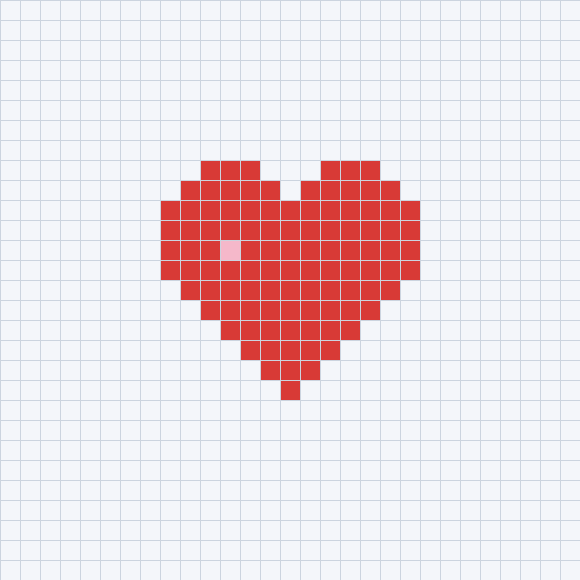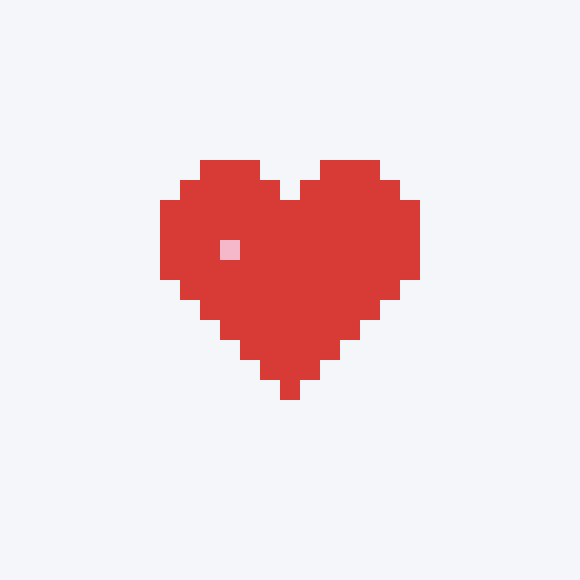
Pixel heart
29×29 · 104 beads · 2 colors
Palette version: screen-reference-48-v1 · CC0
Grid PNG · Pattern JSON · Material CSV · Original pixel design
Use one editable heart to learn grid settings, color replacement, material counts and free PNG export before placing and ironing beads.
Original 29×29 grid designs by this site, released under CC0. These are diagrams, not finished-craft photos. Counts come directly from non-empty cells. Check physical colors and pegboard spacing before building.
29×29 · 104 beads · 2 colors
Palette version: screen-reference-48-v1 · CC0
Grid PNG · Pattern JSON · Material CSV · Original pixel design
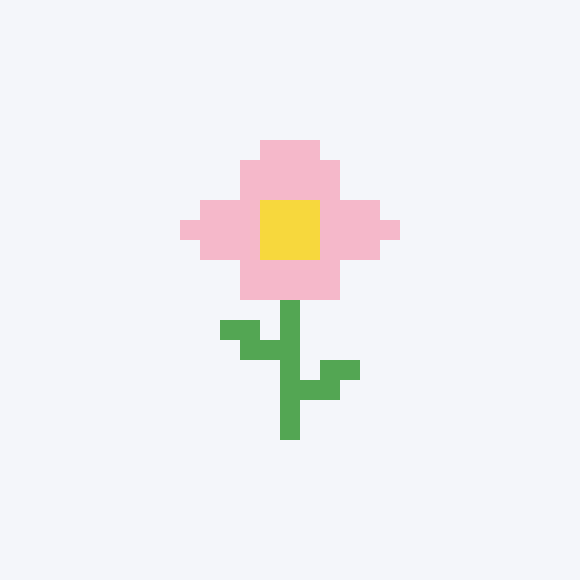
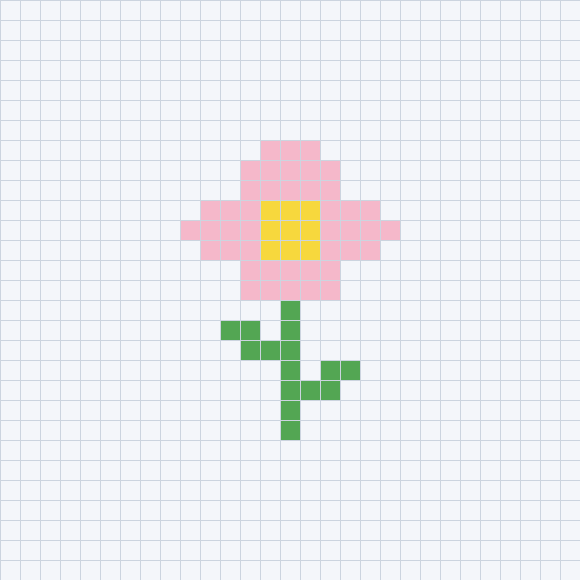
29×29 · 67 beads · 3 colors
Palette version: screen-reference-48-v1 · CC0
Grid PNG · Pattern JSON · Material CSV · Original pixel design
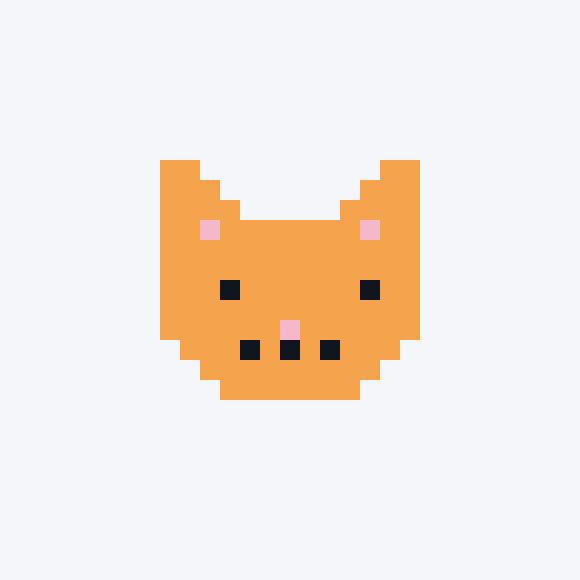
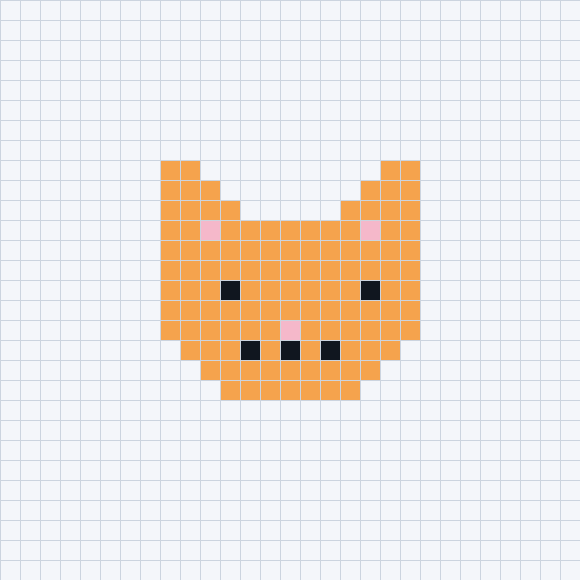
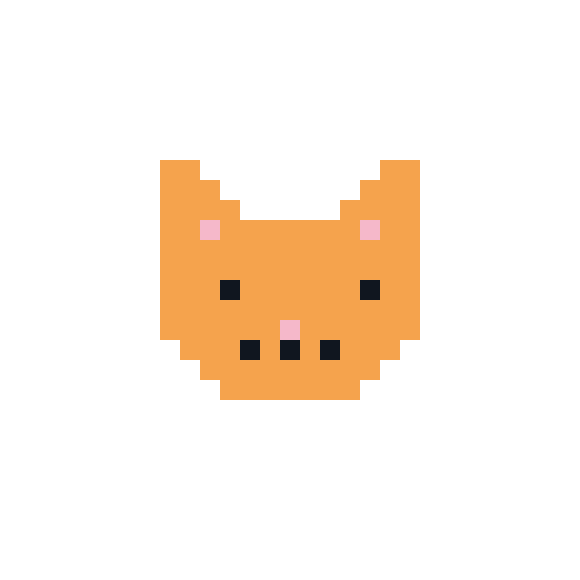
29×29 · 123 beads · 3 colors
Palette version: screen-reference-48-v1 · CC0
Grid PNG · Pattern JSON · Material CSV · Original pixel design
Start with the heart below. It loads a reproducible 29×29 grid using the MARD reference palette without sign-in. Unlike a source photo, it already has exact editable cell data.
Keep the original colors first, then try bulk replacement. Erase a cell and check that the bead count drops; undo should restore it. Use the pencil to repair an outline.
Save a free 2500px PNG and zoom in to inspect the codes. Download the material CSV for counts by reference code. These are not official purchasing numbers; check physical swatches before buying.
Work in regions on a stable, heat-resistant surface. Test a small piece using the actual bead and iron instructions, cover with suitable ironing paper and keep the iron moving. Children need adult help. Let the piece cool and check joins. The sample is not a record of a physically completed craft.
No. Use the browser editor without signing in, then export a free 2500px PNG.